


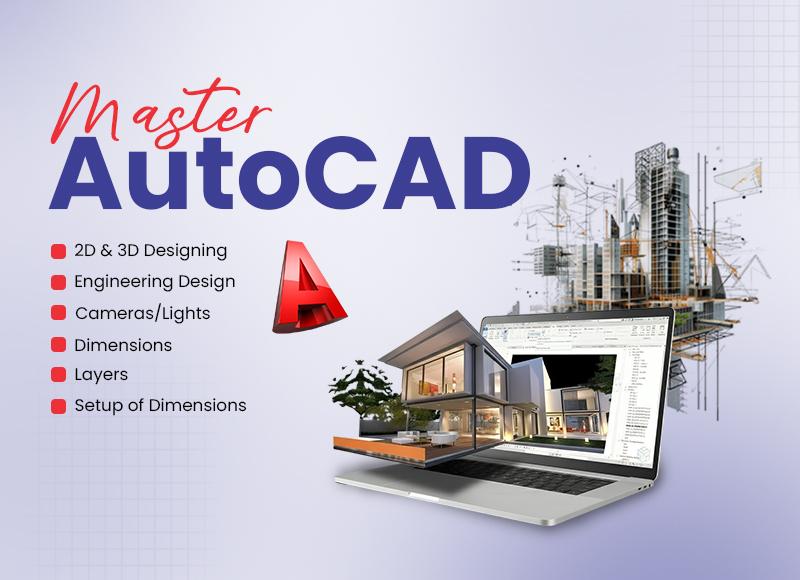
Our AutoCAD course in Lahore is crafted for both beginners and professionals eager to master AutoCAD from the ground up. Whether you’re new to design software or looking to elevate your skills, this course offers in-depth training in 2D and 3D design, including interior and map drawings. You’ll gain hands-on experience with practical projects like floor plans, circuit diagrams, and mechanical drafting.
What You’ll Learn in Our AutoCAD 3D Full Course
Create & Modify AutoCAD Drawings – Develop and edit your plans, layouts, and technical drawings.
Certification Preparation – Get ready for AutoCAD certification exams with comprehensive training.
Practical Projects – Engage in real-world projects, including floor plans and circuit diagrams.
Latest AutoCAD Features – Explore the updates and functionalities in AutoCAD 2019 and 2020.
Course Overview
This extensive AutoCAD 3D full course is designed to guide you from beginner to advanced levels, covering all essential tools and techniques for working efficiently with AutoCAD.
Key Course Features:
 Extensive Video Tutorials – Follow step-by-step guidance with over 180 video lectures.
Downloadable Lesson Files – Access practice exercises and resources for hands-on learning.
Quizzes & Assessments – Test your knowledge with quizzes at the end of each module.
AutoCAD Command List – A detailed eBook covering 150 AutoCAD commands and quizzes.
Expert-Led Training – Learn from certified AutoCAD professionals with real-world experience.
Mac Compatibility Overview – Insights into using AutoCAD on Mac.
Multi-Language Closed Captions – Auto-generated captions available in multiple languages.
What Makes This AutoCAD Course in Lahore Unique?
Project-Based Learning Approach
Our course focuses on real-world applications, teaching AutoCAD tools and commands through practical projects. Each module wraps up with a hands-on exercise, enabling you to apply your knowledge effectively.
Dedicated Practice Section
Beyond module-end questions, the course includes a dedicated section for practice drawings, focusing on critical projects like floor plans and circuit diagrams.
Instructor Support
We understand that learning AutoCAD can raise questions. Our course provides dedicated instructor support. Ask your questions in the Q&A section to ensure a smooth learning experience.
Risk-Free Enrollment
Is this course right for you? Check out our preview videos to sample the content before enrolling. Plus, we offer a 30-day money-back guarantee if the course doesn’t meet your expectations.
Who Should Take This AutoCAD 3D Full Course?
Beginners – No prior experience? Start from the basics and advance your skills.
Students – Acquire essential skills for careers in engineering, architecture, and design.
Working Professionals – Enhance your AutoCAD expertise and explore advanced techniques.
Course Curriculum
Drawing Fundamentals
Engineering Drawings
Line Types & Measurement Units
Technical Geometry & View Projections
Dimensions & Layer Setup
Modeling & Imaging
Texture Mapping
Rendering & Plotting
3D Solid & Surface Modeling
Engineering Design
Mechanical Engineering Design
Architectural Drafting
3D Environment
Camera & Lighting Techniques
Production Walkthrough & Animation
Final Project
Put your skills to the test by working on a full-scale project showcasing your AutoCAD talents.