
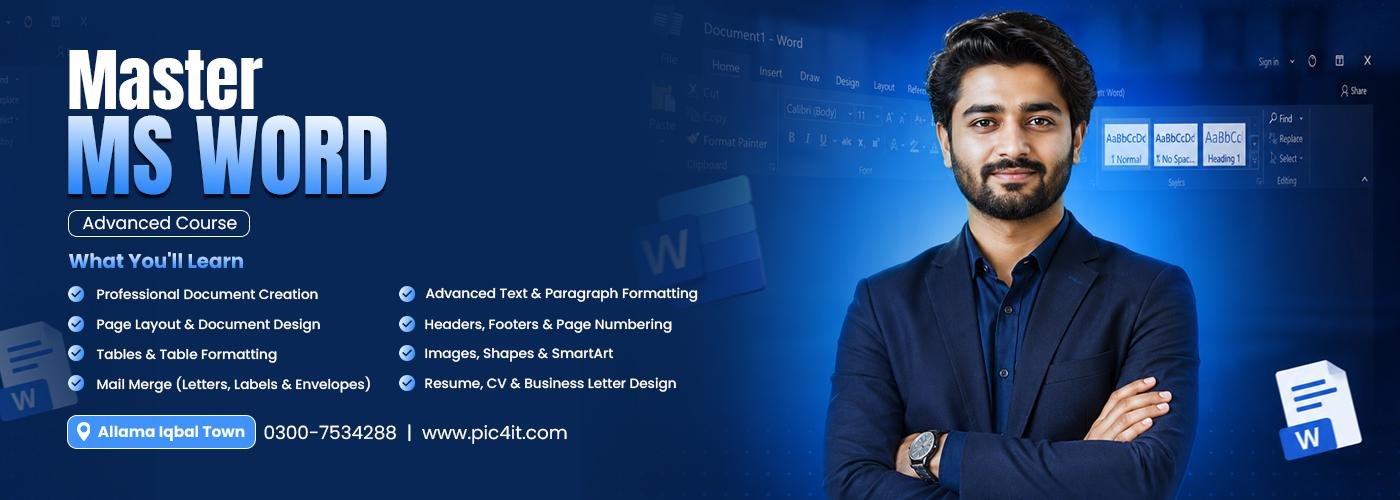
Best Advance MS Word Course in Lahore
Master executive document design, automated formatting, and AI-Powered Document Workflows through a 100% job-oriented fast-track training program learn Multi-Page Book Layouts, Mail Merge, Interactive Forms, Dynamic Templates, Table of Contents, Document Security, and Learn with AI Tools!
Course Overview & Description
In today’s corporate, legal, and tech environments, basic typing skills are no longer enough. Modern businesses, software houses, publishing agencies, and corporate offices demand document specialists who can design polished, executive-level reports, legally binding contracts, multi-page user manuals, interactive digital forms, and automated corporate templates in record time.
Offered at PiCiT (Pakistan Institute of Computing & IT), this program is engineered as an intensive, 100% Job Oriented Fast Track Training Course. Designed for administrative professionals, content writers, executive assistants, legal draftsmen, and office professionals, this course skips basic typing and focuses directly on advance document execution: Complex Document Layouts, Master Documents, Automated Mail Merge with Conditional Logic, Custom Style Sets, Dynamic Field Codes, Document Protection, Macros, and AI Content Generation & Formatting Integration.
Fast Track Module Matrix & Learning Path
| Phase / Module | Advance Document & AI Focus | Practical Lab Execution & Deliverables | Key Tools & AI Technologies |
| Module 1 | Executive Layouts & Advanced Typography | Custom margins, section breaks (Continuous/Next Page), orphan/widow controls, multi-column newsletter flows, & header/footer logic. | MS Word Layout Engine, Styles Pane. |
| Module 2 | Automation & Long Document Management | Automated multi-level Table of Contents (TOC), cross-referencing, dynamic captions, footnotes, indexes, & Master/Subdocument setups. | Word Reference Tools, Field Codes. |
| Module 3 | Mail Merge & Dynamic Data Integration | Merging letters, emails, & labels using Excel datasets with conditional IF...THEN...ELSElogic & embedding live updating Excel charts. | Mailings Tab, OLE Object Linking. |
| Module 4 | Interactive Forms, Templates & Protection | Fillable digital forms (Text fields, checkboxes, dropdowns, date pickers), document protection, editing permissions, & custom .dotxcorporate templates. | Developer Tab, Form Controls. |
| Module 5 | Collaboration, Track Changes & Auditing | Advanced review techniques, resolving edits, document comparison, & inspecting/removing hidden metadata before publication. | Review Tab, Track Changes, Inspector. |
| Module 6 | Learn with AI & Document Automation | Utilizing AI prompt workflowsfor rapid draft creation, smart proofreading, automated summary generation, & recording custom formatting Macros. | ChatGPT, Copilot AI, Word Macros. |
| Module 7 | Capstone Project & Executive Portfolio Assembly | Complete corporate proposal, interactive registration form, & automated marketing campaign package. | MS Word Suite, AI Formatting Tools. |
Exclusive Student Benefits of This Course
- Learn with AI Advantage: Master AI integration inside MS Word (ChatGPT & Microsoft Copilot) to generate initial drafts, summarize heavy texts, and format multi-page documents in seconds.
- Fast-Track Execution: Gain production-level document formatting speed and complete software mastery in an intensive, result-driven timeline.
- 100% Job Oriented Curriculum: Built strictly around actual administrative tasks, legal formatting standards, and publication workflows required by corporate employers.
- Advanced Automation Skills: Learn to write macros, build interactive fillable PDF/Word forms, and create dynamic templates that save hours of repetitive work.
- Executive Document Portfolio: Graduate with an impressive digital portfolio featuring formatted corporate business proposals, interactive digital forms, and automated mail merge campaigns.
- 100% Practical Computer Lab Training: Work on real-world document briefs inside high-performance computer labs under direct instructor supervision.
Key Skills & Practical Highlights
A. Executive Document Design & Automation
- Mastering Long Documents: Structure theses, books, and multi-page technical reports using section breaks, automated tables of contents, index generation, and master document links.
- Interactive Forms & Data Linking: Build password-protected fillable forms with dropdown pickers and embed live-updating Excel charts directly inside Word documents.
B. Learn with AI & Workflow Speed
- AI-Assisted Writing & Formatting: Use AI tools to correct tone, eliminate grammatical errors, generate executive summaries, and reformat unorganized text instantly.
- Mail Merge Logic & Macros: Automate personalized email and letter blasts with conditional data rules and record simple macros to execute multi-step formatting in one click.
Why Study Fast Track MS Word at PiCiT Lahore?
- High Corporate Market Demand: Executive Assistants, Legal Draftsmen, Documentation Specialists, and Office Administrators with advanced Word skills are actively sought after across all business sectors in Lahore.
- 100% Practical Lab Execution: Practice building templates, writing macros, setting up mail merges, and formatting complex layouts during daily hands-on computer lab sessions.
- Expert Portfolio Guidance: Instructors review your report layouts, typography hierarchies, field codes, and template structures line-by-line to ensure corporate standards.
- Convenient Iqbal Town Campus: Centrally located for students commuting from Allama Iqbal Town, Johar Town, Sabzazar, Wahdat Road, and surrounding Lahore districts.
Frequently Asked Questions (FAQs)
- What does "Learn with AI" mean in this Advance MS Word course?
- You will learn how to leverage AI tools (like ChatGPT and Copilot) to assist in writing content, generating document outlines, reformatting unorganized text, and creating custom macro scripts to automate repetitive formatting tasks.
- Will I learn how to build fillable digital forms in Word?
- Yes! You will master the Developer tab to create interactive forms complete with text boxes, checkboxes, dropdown lists, date pickers, and editing restrictions.
- What is the benefit of learning Mail Merge with conditional logic?
- It allows you to generate hundreds of personalized letters, certificates, or emails from an Excel database while using rules to change specific text or paragraphs based on candidate information automatically.
- Do I need prior experience before enrolling in this course?
- Basic familiarity with typing and computer usage is recommended, but the course quickly builds your skills from standard document creation to advanced executive automation.
Fast Track Your Document Automation Skills Today!
Join PiCiT’s job oriented Advance MS Word Masterclass in Lahore, master AI workflows, and build an executive document portfolio!
- 📍 Campus Location: 68 Kashmir Block, Allama Iqbal Town, Lahore
- 📞 Phone / WhatsApp: 0300-7534288
- 🌐 Official Website: www.pic4it.comwww.pic4it.com